Affiliate disclosure: RVGearScout may earn a commission from qualifying purchases made through links on this page, at no extra cost to you.
The Garmin BC 40 is a battery-powered wireless camera that sends its image to selected Garmin navigation devices. For RV owners, its cable-free installation is appealing, but compatibility and signal distance make it a specialized solution rather than a universal trailer camera.
Testing note: RVGearScout has not performed hands-on testing of this product. This review is based on current manufacturer information and RV-specific buying considerations.
Quick verdict
The BC 40 is best for a tow vehicle already using a compatible Garmin navigator and for mounting positions within Garmin’s specified wireless range. Replaceable batteries simplify installation, but the camera is not a substitute for mirrors, a spotter, or a wired long-trailer system when the signal path is marginal.
Check current Garmin BC 40 pricing on Amazon
How it fits an RV setup
Garmin offers license-plate and tube-mount configurations. The camera pairs directly with supported Garmin navigators, so it does not include a generic dash display and should not be purchased until the exact navigator appears on Garmin’s compatibility list. The mounting position also needs a clear view without blocking the license plate, lights, latch, or spare tire.
Because the camera uses replaceable AA batteries, there is no power lead to route through the vehicle. Garmin lists an IPX7 water rating, but the battery compartment and mount still require correct assembly. Check the live view before every trip and carry spare batteries; cold weather and frequent use can shorten service life.
What stands out
- Minimal wiring: Battery operation avoids tapping a reverse-light or accessory circuit.
- Garmin integration: The image appears on a compatible navigator instead of adding another dashboard screen.
- Flexible activation: Supported navigators can display the camera manually, which can help with a hitch view as well as backing.
- Multiple-camera support: Garmin documents pairing several BC 40 cameras with compatible devices, subject to the navigator model.
Limitations and checks
Wireless performance depends on distance, vehicle structure, obstructions, radio interference, and the location of the Garmin display. A camera that works on a pickup license plate may not maintain a dependable connection from the rear of a long trailer. Test the complete combination before relying on it at a campsite.
A rear camera cannot show every blind spot or judge overhead clearance. Keep towing mirrors properly adjusted, walk the site, back slowly, and use a spotter with agreed hand signals. Remove or secure the camera where theft, brush, or road debris is a concern.
Who should buy it?
Consider it if you already own a listed Garmin navigator and want a fast, non-wired camera installation on a short signal path. Choose a purpose-built trailer system if you need a dedicated monitor, continuous highway observation, or a camera at the rear of a long RV.
Bottom line
The Garmin BC 40 offers convenient integration, but its value depends almost entirely on display compatibility and real-world signal reach. Verify both before ordering.
Related RVGearScout guides
- Garmin BC 50 review
- Haloview BT7 Plus review
- Furrion Vision S+ 7-inch guide
- Browse backup-camera guides
Manufacturer research: product information was reviewed on Garmin’s official BC 40 product page. Confirm the current manual, specifications, compatibility, and warranty before purchase or installation.
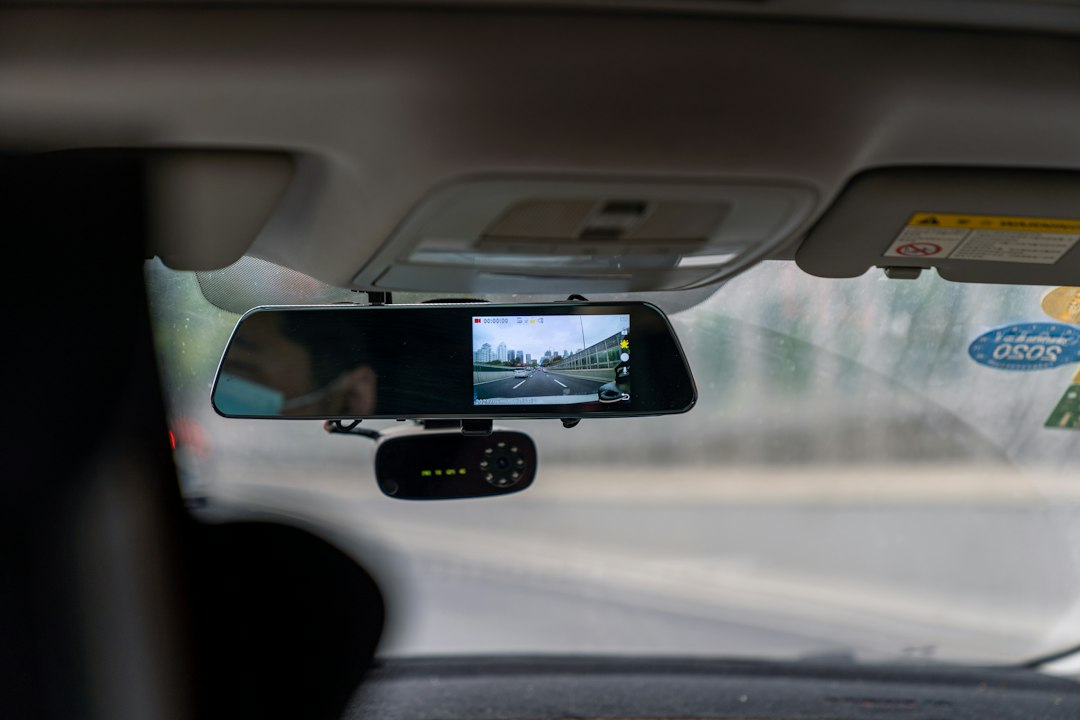
Photo by Xingye Jiang on Unsplash. The image illustrates the use context and may not show the exact product reviewed.